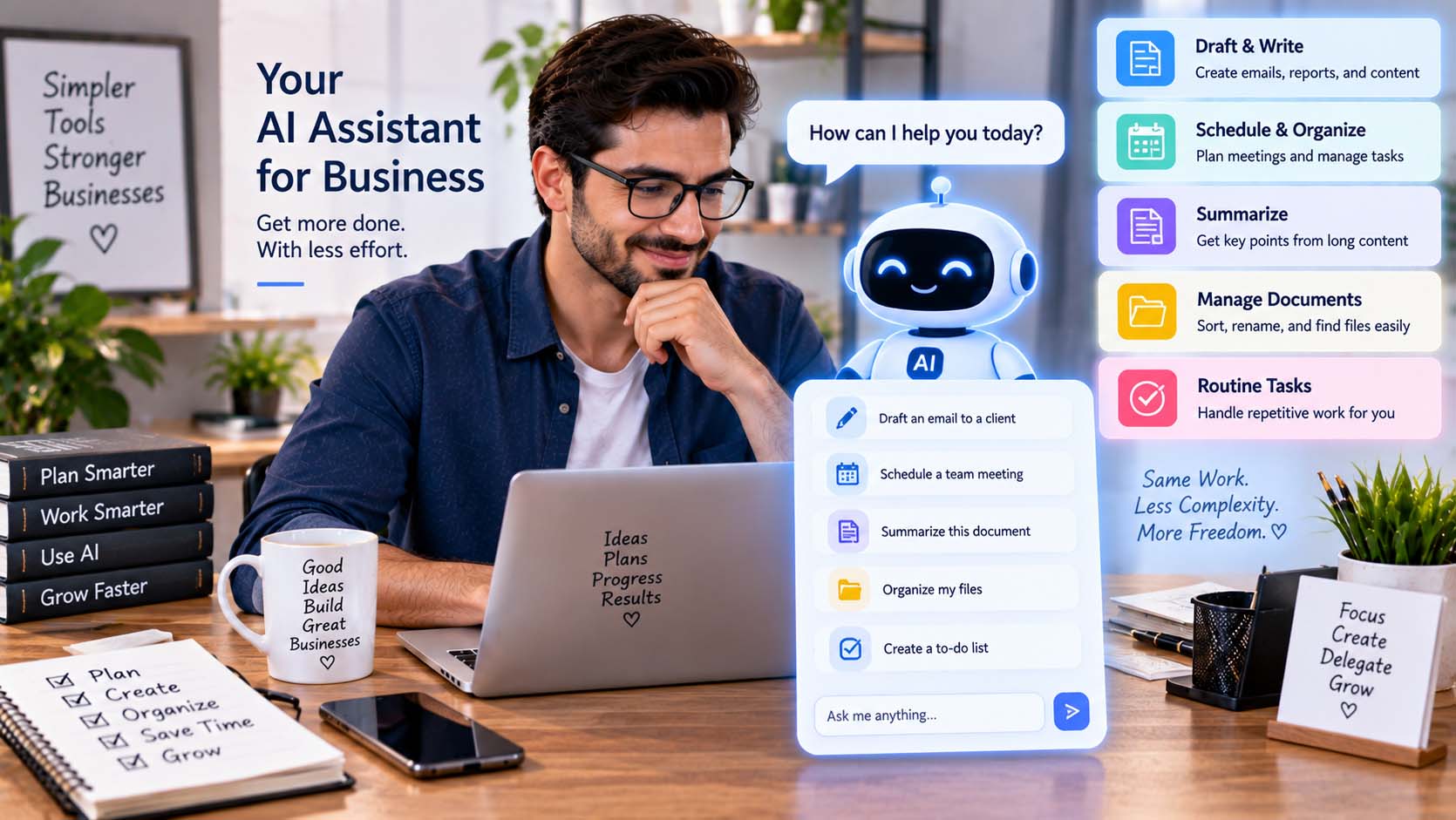
AI can save time without adding complexity when it is applied to a small number of repetitive, information-heavy tasks instead of being added to every business process. Drafting routine messages, summarizing documents, organizing notes, preparing checklists, and turning unstructured information into useful formats are practical examples.
The simplest approach is usually the most effective: identify an existing task that takes unnecessary time, use AI for one clearly defined part of it, and keep human review where it matters.
Start With an Existing Time-Consuming Task
Businesses do not need to redesign their operations around AI.
A better starting point is to identify routine work employees already perform. Look for activities that happen frequently, follow a reasonably consistent pattern, and require manual effort without necessarily requiring a new decision every time.
Possible examples include:
- Drafting routine emails
- Summarizing meeting notes
- Preparing agendas
- Organizing customer comments
- Creating first drafts of documents
- Reformatting information
- Turning notes into action lists
- Brainstorming initial ideas
- Summarizing lengthy material
Starting with an existing problem prevents AI adoption from becoming a separate project with little connection to everyday work.
Let AI Handle the First Draft
Creating a first draft can take longer than reviewing and improving one.
AI can assist by preparing an initial version of an email, internal update, FAQ, meeting agenda, product description, checklist, or other routine material.
The employee then reviews the output for accuracy, tone, completeness, and relevance.
This keeps the workflow straightforward. Instead of automating the entire process, the business uses AI at the stage where it can remove some of the repetitive preparation.
Use AI to Turn Long Information Into Shorter Summaries
Businesses regularly deal with documents, meeting notes, reports, customer feedback, and other information that takes time to review.
AI can help produce preliminary summaries.
For example, meeting notes could be converted into a shorter structure containing decisions, action items, deadlines, and unresolved questions. A collection of customer comments could be grouped into recurring themes for further review.
Important information should still be checked against the original material, particularly when decisions depend on the accuracy of the summary.
However, using AI for the initial organization can make the human review more focused.
How AI Can Save Time Without Adding Complexity
The key is to avoid turning a simple AI task into a complicated technical system.
Suppose a business wants to create action items from weekly meeting notes. A reusable instruction, the meeting notes, and a quick employee review may be enough.
Adding several software integrations, automated triggers, databases, and approval stages could create more maintenance than the task originally required.
Complex automation can be valuable when the workload justifies it. For smaller repetitive tasks, however, a lightweight AI-assisted process may be easier to operate.
Create Reusable Instructions for Recurring Work
Employees lose some of the efficiency benefit if they have to explain the same task from scratch every time.
Reusable instructions can solve this problem.
For example, a business could create a standard instruction asking an AI system to organize meeting notes into:
- Decisions made
- Tasks to complete
- Responsible people
- Deadlines
- Items requiring follow-up
The same structure can then be reused whenever another meeting occurs.
Businesses researching AI alongside broader topics such as technology, operations, finance, and productivity can why not try here through GrowBizLab as an additional source of small-business information.
Reusable workflows can be particularly useful when several employees perform similar tasks and need reasonably consistent outputs.
Do Not Use AI Where a Simpler Tool Already Works
AI is not automatically the best solution for every repetitive activity.
Some processes are already handled efficiently by conventional software.
A calendar can send scheduled reminders. Accounting software can perform predefined calculations. Project-management software can create recurring tasks. Email rules can automatically organize certain messages.
Replacing these straightforward functions with AI may add unnecessary complexity.
AI is often more useful when a task involves variable language, summarization, classification, drafting, or interpreting information that does not always follow exactly the same format.
Keep the Number of Tools Under Control
Adding several AI applications for similar tasks can create another source of inefficiency.
Employees may need to remember which platform handles each task, maintain multiple accounts, move information between systems, and learn different interfaces.
Before adding another AI product, determine whether an existing approved tool already provides the required function.
A smaller technology stack can be easier to manage, particularly for businesses with limited time and technical resources.
The objective is not to collect AI tools. It is to remove unnecessary work.
Measure Whether the Workflow Actually Saves Time
A process that looks efficient in theory may not be efficient in practice.
After introducing AI into a task, observe the complete workflow.
Consider how long employees spend preparing the input, generating the output, correcting mistakes, transferring information, and performing final checks.
If a task previously required ten manual steps and the AI workflow still requires nearly the same effort, the process may need adjustment.
Similarly, if employees spend significant time correcting AI-generated material, the task may not be a strong candidate for that type of assistance.
Practical usefulness matters more than simply having AI involved.
Keep Human Review Proportionate
AI assistance does not mean every output needs a lengthy approval process.
The level of review should reflect the consequences of an error.
A brainstorming list for an internal discussion may only need a quick check. A customer-facing message may deserve closer attention. Financial, legal, personnel, contractual, or other consequential information may require stronger verification and appropriate professional expertise.
Defining this difference helps businesses avoid two extremes: blindly accepting AI output or creating so many review steps that automation no longer saves time.
Protect Sensitive Information
Efficiency should not encourage employees to share confidential information unnecessarily.
Before entering customer records, employee details, financial documents, contracts, credentials, proprietary information, or private communications into an AI service, businesses should understand the platform’s applicable privacy and data-handling practices.
Employees should also provide only the information required for the task.
If names, account details, confidential figures, or other sensitive elements are unnecessary, removing them can reduce unnecessary data exposure.
Clear internal rules about approved AI tools and acceptable data can make these decisions easier for employees.
Test One Process Before Expanding
A small experiment can provide more useful information than a large AI rollout.
Choose one repetitive task and document how it currently works. Introduce AI at a specific point and observe whether the process becomes faster and easier.
If the result is useful, repeatable, and easy to review, the business can consider similar applications elsewhere.
If it introduces confusion, frequent corrections, additional software, or extra administrative work, simplify the process or return to the previous method.
This approach allows AI adoption to grow according to demonstrated usefulness rather than novelty.
Simplicity Should Remain the Goal
AI can save time by reducing the manual effort involved in drafting, summarizing, organizing, and preparing routine information. It does not need to control an entire workflow to be valuable.
Businesses can keep AI practical by starting with clear tasks, using reusable instructions, avoiding unnecessary tools, protecting sensitive information, and measuring the complete workflow rather than only the speed of generating an answer.
When AI removes repetitive work while keeping the process easy for people to understand, review, and control, it can improve efficiency without becoming another source of complexity.